






Step 1: Locate the Zipped File
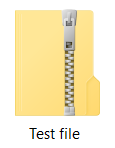
Begin by finding the zipped file on your computer. It typically has a ".zip" extension and is represented by a zipper icon.
Step 2: Do one of the following:
To unzip a single file or folder, open the zipped folder, then drag the file or folder from the zipped folder to a new location.
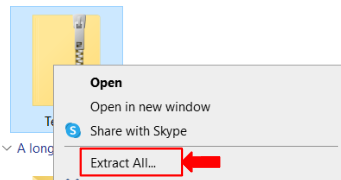
To unzip all the contents of the zipped folder, press and hold (or right-click) the folder, select Extract All..., and then follow the instructions.
Refer to Microsoft FAQs for more details.


